guide
ASO starter checklist for indie mobile apps
A practical first pass for keywords, screenshots, reviews, and competitor monitoring.
- Published
- July 10, 2026
- Last checked
- October 22, 2026
- Author
- IndieAppStack
Short answer
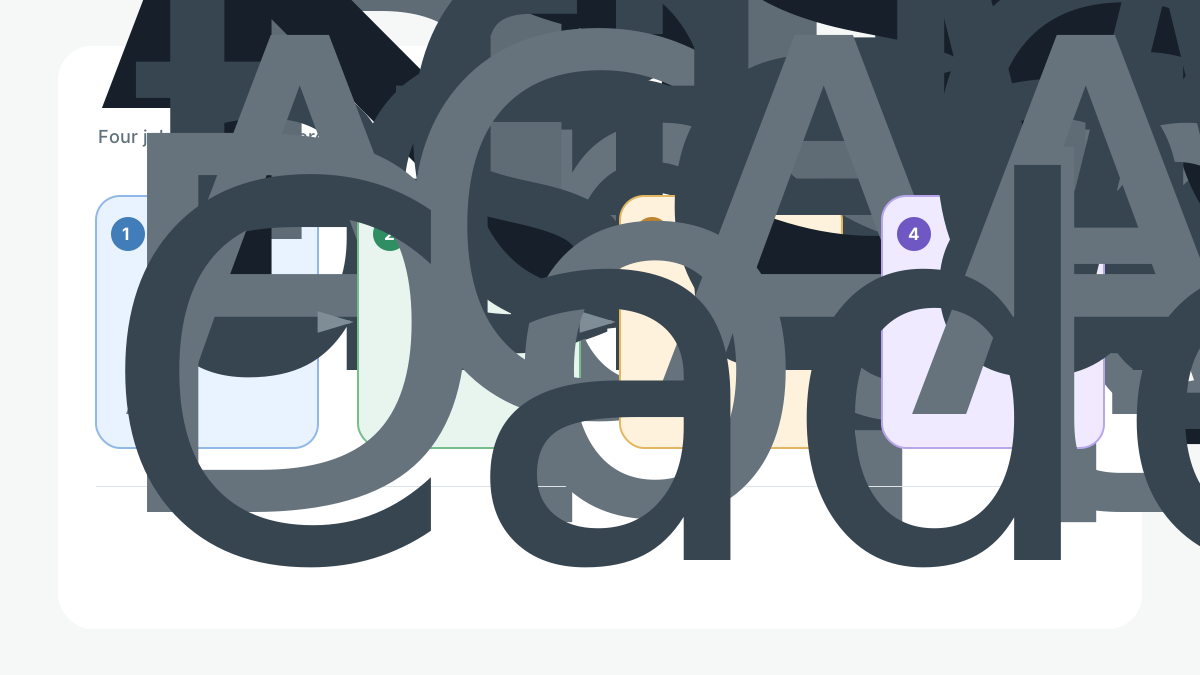
A first ASO pass is not a growth-hacking project. It is four jobs done honestly before you submit: turn the app's promise into keywords, tighten the metadata the stores index, make the first screenshots explain the app, and set a habit of watching reviews and rankings. Do these before spending on acquisition, because paid traffic magnifies a weak listing instead of fixing it.
Solo builder scope
Step 1: Turn the promise into keywords
Start from a specific promise. "A running app" is not searchable; "interval running coach for beginners" becomes keywords, screenshot captions, and comparison copy.
- List the words a target user would actually type.
- Separate primary terms, high intent and realistic to rank, from secondary terms.
- Use AppTweak or Appfigures to check volume and difficulty before committing.
Step 2: Tighten the metadata the stores index
The store fields do most of the ranking work. Get them right:
Store metadata that matters
| Field | Job | Watch out for |
|---|---|---|
| App name or title | Highest-weight keywords plus brand | Keyword stuffing that hurts readability |
| Subtitle (iOS) or short description (Android) | Secondary keywords and the promise | Repeating the title verbatim |
| Keyword field (iOS) | Extra terms not in the name or subtitle | Wasting space on duplicates or spaces |
| Description | Conversion and clarity; Google Play indexes it | Burying the value below the fold |
Confirm the current field rules on the official App Store Connect and Google Play Console help pages, since limits and indexing differ by store.
Step 3: Make the first screenshots explain the app
Most installs are decided on the first two screenshots. Lead with the core value, then show detail.
- Frames one and two: what the app does and who it is for, in words plus a visual.
- Later frames: proof, key features, and differentiation.
- Produce and localize them with AppScreens or the screenshots category.
Step 4: Watch reviews, ratings, and rankings
Set a light monitoring habit so you notice movement without living in a dashboard.
- Track a handful of primary keywords and your rank on them.
- Read new reviews for recurring complaints and the words users use.
- Respond to reviews where the store allows it; AppFollow or Appfigures help here.
Scan three competitors by hand
Pick three direct competitors and read, by hand, their title, subtitle, first screenshots, and top reviews. You are looking for the words they own, the promises they make, and the complaints you can beat.
Cadence
Re-check keywords, screenshots, and review language monthly while the app is still learning what converts. Change one variable at a time so you can tell what moved the metric.
Best for
- Teams preparing metadata, screenshots, and keyword updates before or after launch.
- Indie developers who want a repeatable, low-cost store-listing routine.
- Apps that have a clear promise to turn into keywords.
Not good for
- Products that have not clarified their target user or positioning.
- Teams expecting ASO software to replace better copy and creative.
Internal links
- Choose tools with best ASO tools for indie developers.
- Compare the two research tools in Appfigures vs AppTweak for ASO research.
- Produce creative via the screenshots category.
- Fit ASO into launch timing with the mobile app launch stack checklist.
- Browse the full ASO category.
Source checks
Product claims were checked against official sources on 2026-07-09:
- AppTweak: https://www.apptweak.com/en/pricing
- Appfigures: https://appfigures.com/pricing
- AppFollow: https://appfollow.io/pricing
Store metadata field rules should be confirmed on the official App Store Connect and Google Play Console help pages, since they change and differ by store. No hands-on testing claims are made in this guide. The workflow visual is an owned conceptual graphic created for IndieAppStack.
Last checked: 2026-07-09.