guide
Mobile app launch stack checklist
A lean launch workflow for landing pages, waitlists, screenshots, and audience capture.
- Published
- July 10, 2026
- Last checked
- October 22, 2026
- Author
- IndieAppStack
Short answer
A first mobile app launch does not need a big marketing stack. It needs a page that explains the app, a way to capture interest before release, credible store creative, crash and basic analytics coverage so launch day is observable, and one channel to keep early users updated. Everything else can wait until you know which source actually drives installs and paying users.
Treat the launch stack as five jobs, each owned by one tool you can set up in a day, not a platform you have to learn for a week.
Solo builder scope
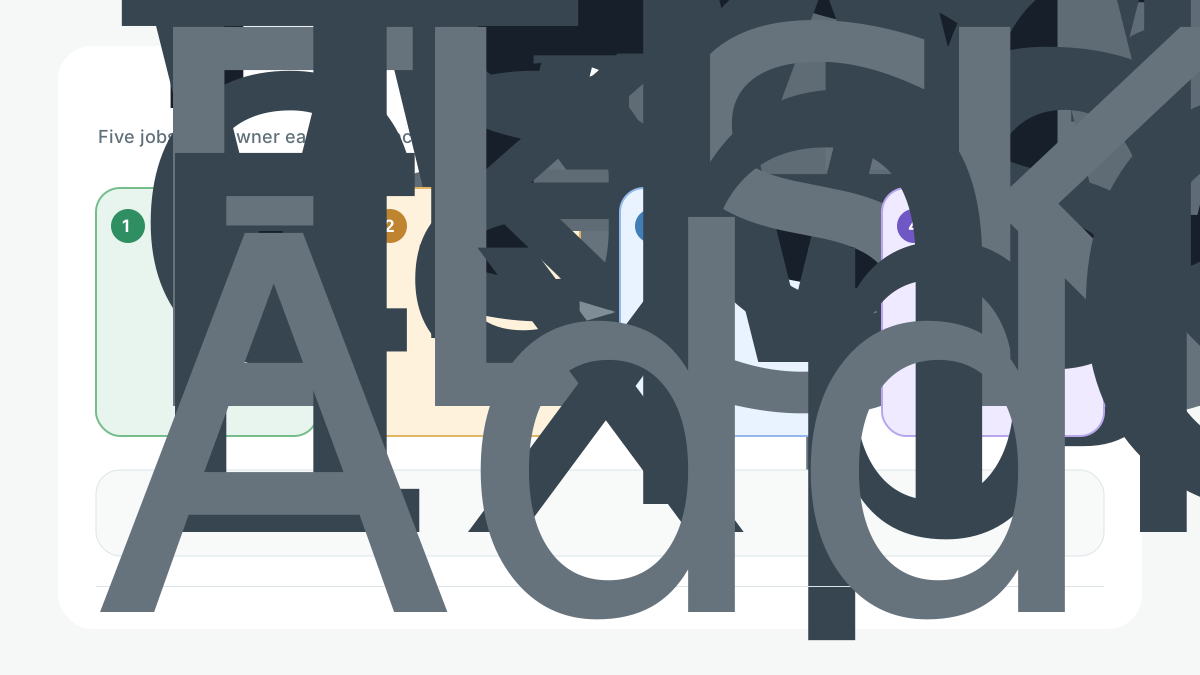
The five launch jobs
Launch stack by job
| Job | Owns | Default choice | Can wait |
|---|---|---|---|
| Explain the app | Landing or launch page | Framer or Webflow | A multi-page marketing site |
| Capture interest | Waitlist and email list | Kit or beehiiv | Lifecycle and CRM automation |
| Look credible in the store | Screenshots and listing creative | AppScreens plus ASO basics | Localized creative for every market |
| Stay observable | Crash reporting and light analytics | Sentry plus TelemetryDeck | Full product analytics and attribution |
| Keep early users close | One update channel | Email, or push with OneSignal | Multi-channel messaging |
Job 1: Explain the app
Build one page that names the target user, the problem, and what changes after they use the app. Use Framer for a fast, design-led page, or Webflow if the page will grow into a real marketing site. The full comparison is in best landing page builders for mobile apps and the landing pages category.
Keep the page honest: one promise, a short demo or hero visual, a few benefit points tied to real jobs, and one primary call to action.
Job 2: Capture interest before launch
Start collecting emails before release so launch day begins with a warm list instead of silence. Use Kit or beehiiv, or browse the email and waitlist category. A small, engaged list you can message on launch day is worth more than a large cold audience you cannot reach.
Job 3: Look credible in the store
Store creative decides whether the traffic you send actually converts. Prepare screenshots that show the core value in the first two frames, then get more specific. Use AppScreens or another tool in the screenshots category. Pair the creative with basic store optimization: a title, subtitle, and keywords that match how people actually search. Work through the ASO starter checklist before you submit.
Job 4: Stay observable on launch day
A launch you cannot observe is a launch you cannot fix. Install crash reporting before the first external build and a tiny analytics layer such as TelemetryDeck for activation and a few key events. Follow the crash reporting setup guide and the privacy-friendly analytics starter stack so launch day has a signal, not a guess.
Job 5: Keep early users close
Pick one channel to talk to early users: the email list you already started, or push with OneSignal if in-app moments are the point. Skip multi-channel messaging until you actually have people to message and something worth saying.
Phased checklist
Launch phases
| Phase | Do this | Done when |
|---|---|---|
| 3 to 4 weeks out | Landing page live, waitlist capturing emails, positioning drafted | A stranger understands the app in ten seconds |
| 1 to 2 weeks out | Store screenshots, title, subtitle, keywords, crash and analytics wired, beta feedback gathered | The purchase or core flow works and is observable |
| Launch week | Announce to the list, check crashes daily, watch activation and store conversion | New crashes are triaged and no trust-blocking bug is live |
| Weeks 2 to 4 | Compare which source drove installs and paying users, then double down on one | You know your best channel and your next bottleneck |
What to postpone
- Paid acquisition and attribution before you know your organic conversion rate.
- Multi-channel lifecycle messaging before one channel reliably works.
- A large marketing site before a single page converts.
- CI and release automation with Codemagic or Bitrise before release friction is real. Automate once it hurts, not before.
- Localized store creative before one market converts.
Best for
- Solo developers planning a first App Store or Google Play release.
- Apps that need a page, a list, credible store creative, and launch-day observability.
- Builders who want a lean, sequenced launch instead of a big-bang marketing push.
Not good for
- Teams that already run a mature marketing site, CRM, and release pipeline.
- Apps that require enterprise campaign orchestration or heavy paid acquisition from day one.
Internal links
- Choose the page builder in best landing page builders for mobile apps.
- Prepare store creative via the screenshots category and the ASO starter checklist.
- Wire launch-day observability with the crash reporting setup guide and the privacy-friendly analytics starter stack.
- Grow the list through the email and waitlist category.
- If the app is subscription-first, pair this with the subscription MVP stack guide.
- Browse more launch tools.
Source checks
Tool facts were checked against official pages. Landing page and email tools were re-checked on 2026-07-09:
- Framer pricing: https://www.framer.com/pricing/
- Webflow pricing and 2026 plan changes: https://webflow.com/pricing
- Kit pricing: https://kit.com/pricing
- Apple App Store Connect: https://developer.apple.com/help/app-store-connect/
Per-tool pricing and feature details for crash, analytics, ASO, and push tools live in the linked guides and categories, each carrying its own review date. No hands-on testing claims are made in this guide. The launch timeline is an owned conceptual visual created for IndieAppStack.
Last checked: 2026-07-09. Pricing thresholds are summarized at a high level; check official pages before committing.